

Eliminate data silos and drive operational excellence with the Dynamics 365 Commerce Shopify Connector from BASOFA. This enterprise-grade integration connects your Shopify storefront with Microsoft Dynamics 365 Commerce to create a single source of truth across products, inventory, pricing, customers, and orders.
Engineered for high-growth retailers and wholesalers, this solution enables a reliable, bidirectional data flow. By automating the sync between Microsoft Dynamics and Shopify, you eliminate manual entry, slash fulfillment errors, and deliver a seamless omnichannel experience across every touchpoint.
In a scaling retail environment, data silos are more than an inconvenience-they are a growth killer. Without a native Dynamics 365 Shopify integration, businesses face:
Overselling products due to non-syncing warehouse data.This results in backorders and missed sales opportunities that erode customer trust.
Delayed fulfillment and poor customer communication. Disconnected teams are forced to rely on manual updates, slowing down the entire order-to-cash cycle.
Inability to reconcile Shopify payouts with the ERP ledger.Without a unified view, finance teams spend hours tracking down transaction discrepancies instead of analyzing growth.
High error rates from manual data entry across multiple platforms. The lack of a single source of truth leads to duplicate records and costly shipping mistakes that drain your bottom line.
The BASOFA Shopify Connector is a high-performance, bidirectional sync engine. It creates a single source of truth by ensuring your Microsoft Dynamics Shopify environment operates as one unified system.
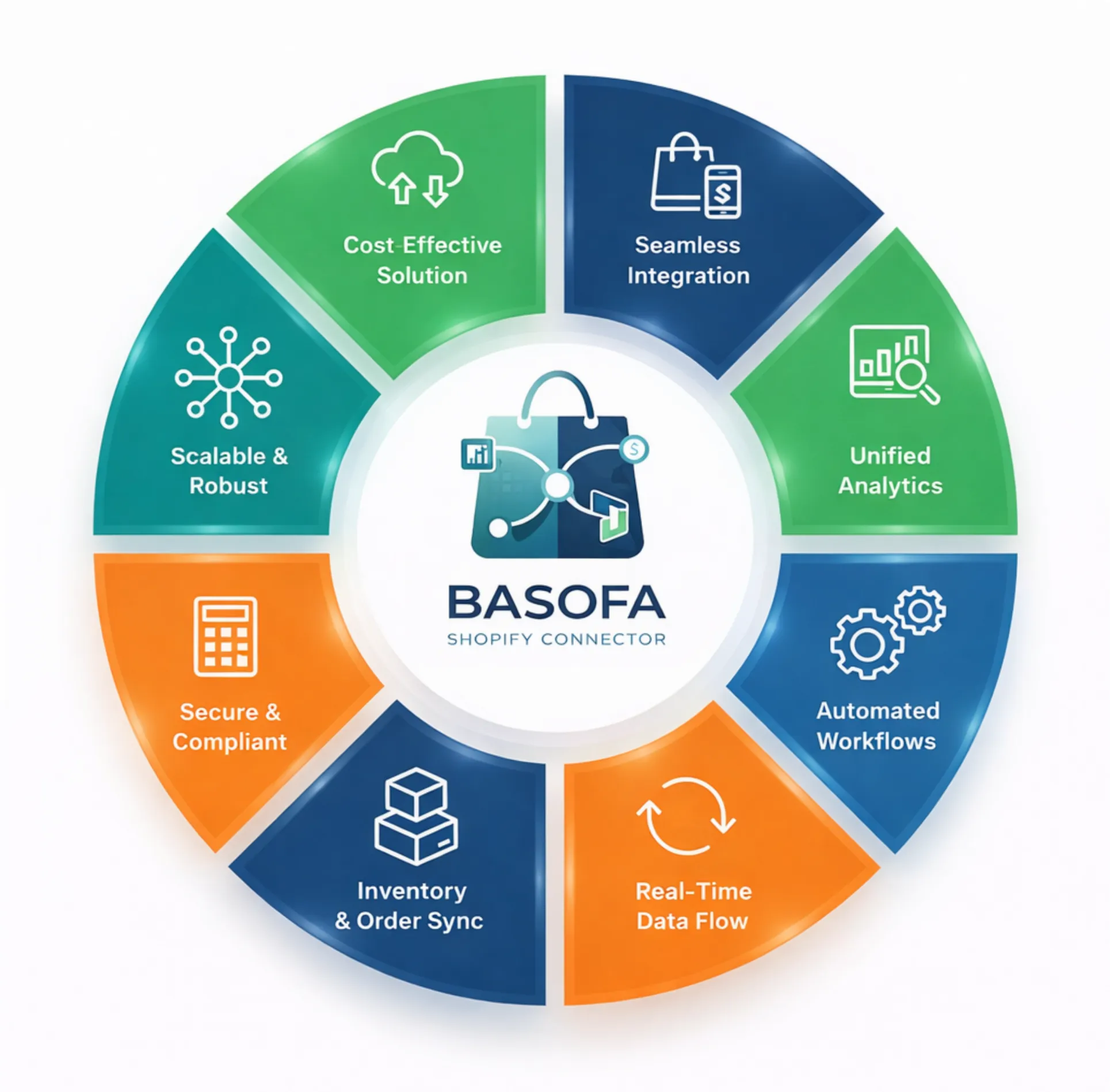
Instant sync of orders, stock levels, and price changes.
Built to handle thousands of SKUs and high-volume flash sales.
Automated mapping of taxes, shipping, and refunds.
Fully encrypted data transfers compliant with global standards.
ever oversell again. The connector ensures stock levels are updated across both platforms. When a product is updated in Dynamics 365 Commerce (for example, price changes, descriptions, or metadata), those updates are reflected in Shopify automatically.
Streamline your order-to-cash cycle. As soon as a customer places an order on Shopify, the order is created in Dynamics 365 Commerce for immediate processing. Once the warehouse ships the item, tracking information and fulfillment status are synced back to Shopify to keep customers informed.
Maintain a 360-degree view of your customers. Profiles, order histories, and loyalty data are shared between platforms, allowing for personalized marketing and superior customer service. On the back end, financial records and tax calculations are reconciled automatically, ensuring your books are always accurate.
By centralizing your data, you remove the friction between your sales, warehouse, and accounting departments.
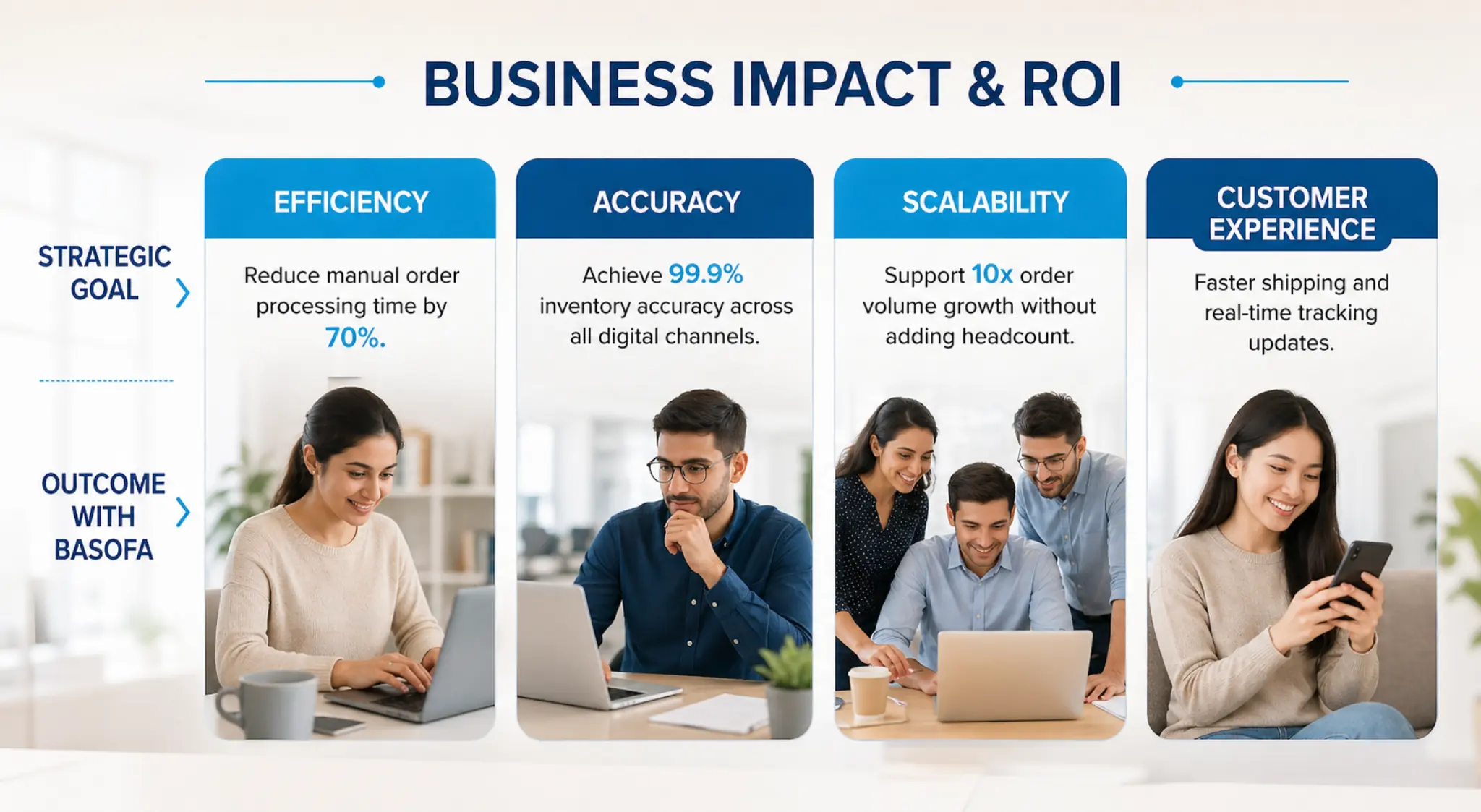
Automation removes the risk of human error associated with manual data re-entry, ensuring your inventory and financial reports are 100% accurate.
Quickly launch new products or promotional pricing across all channels simultaneously.
Lower your operational costs by automating repetitive tasks, allowing your team to focus on high-value strategic initiatives.
Manage master data in Dynamics 365 and push updates to Shopify automatically.
Shopify orders flow directly into Dynamics 365 Commerce for immediate fulfillment.
Retailers running or planning to run Shopify storefronts alongside Microsoft Dynamics 365 Commerce who need a headless, unified omnichannel architecture without compromising enterprise control, performance, or governance.
Organizations that want to decouple the digital storefront experience from the commerce core, enabling faster innovation on the front end while keeping pricing, inventory, promotions, fulfilment, and financials centrally governed in Dynamics 365 Commerce.
Businesses facing manual reconciliations, inventory mismatches, delayed order processing, limited visibility, or fragile custom integrations between Shopify and D365 systems.
Retailers managing multiple Shopify stores, regions, or brands who require centralized control with consistent pricing, inventory, and fulfilment rules across all digital channels.
The BASOFA Shopify Connector reduces operational complexity, accelerates digital growth, improves inventory and fulfillment accuracy, and delivers enterprise-grade control enabling scalable, high-performance omnichannel commerce.
The BASOFA Shopify Connector is a ready-to-deploy integration that enables real-time, bi-directional data synchronization between Shopify storefronts and Microsoft Dynamics 365 Commerce. It ensures accurate, consistent data across products, inventory, pricing, customers, and orders
You can get started by: a) Requesting a demo b) Speaking with a BASOFA expert
Implementation timelines vary based on complexity, but most deployments can be completed significantly faster than custom-built integrations, helping you go live quickly.
BASOFA provides: a) End to End Implementation and onboarding support b) Customer specific development/enhancements c) Migration from legacy commerce to Shopify d) Configuration assistance e) Ongoing technical support and maintenance f) Expert guidance from certified Dynamics 365 professionals
Yes. The BASOFA Shopify Connector is available on Microsoft AppSource, ensuring compatibility, compliance, and trusted deployment within the Dynamics 365 ecosystem.
The connector is ideal for: a) Retailers using Dynamics 365 Commerce as their core ERP b) Brands operating one or more Shopify storefronts c) Omnichannel businesses seeking centralized control and automation d) Enterprises planning rapid ecommerce growth.
No. The connector is designed to be performance-optimized and scalable, capable of handling high transaction volumes without negatively impacting system performance.
Yes. The connector leverages secure APIs provided by Shopify and Microsoft Dynamics 365, following enterprise-grade security standards and best practices.
The solution provides: a) Detailed sync logs and audit trails b) Real-time alerts for failures c) Retry mechanisms to automatically reprocess failed transactions. This helps IT and operations teams quickly identify and resolve issues.
No. The connector is a pre-built solution designed to minimize or eliminate the need for custom integration development. Configuration is handled through predefined setup options aligned with standard retail processes.
Yes. Data flows in both directions: a) From Dynamics 365 Commerce to Shopify (products, pricing, inventory) b) From Shopify to Dynamics 365 Commerce (customers, orders, returns)
The connector supports near real-time synchronization, ensuring updates in Dynamics 365 Commerce or Shopify are reflected across systems with minimal delay, depending on configuration and transaction volume.
The connector supports synchronization of: a) Products and variants b) Pricing, discounts, and promotions c) Inventory availability d) Customer profiles e) Sales orders f) Returns and refunds. This ensures a single source of truth across systems.
Yes. The BASOFA Shopify Connector is multi-store enabled, allowing you to manage multiple Shopify storefronts from one centralized Dynamics 365 Commerce environment.
Yes. While the connector is pre-built, BASOFA can support configurations and extensions to align with specific business rules, workflows, or reporting need
It is a specialized software link that automates data exchange between Shopify and Microsoft Dynamics 365 commerce. It ensures that products, inventory, orders, and customer data are synchronized in real-time, removing the need for manual data entry.
The BASOFA connector supports multi-store architecture. You can connect several Shopify storefronts to a single Dynamics 365 instance, allowing for centralized management of inventory and finance across different regions or brands.
Yes. Our Shopify Dynamics 365 Connector is built to handle complex B2B scenarios. It can sync customer-specific trade agreements, bulk pricing, and specialized payment terms from your ERP to your Shopify Plus store.
The connector includes robust error-handling and retry logic. If a sync fails due to a network issue, the system logs the error, notifies your team, and automatically attempts to re-sync the data once the connection is restored, ensuring no data loss.